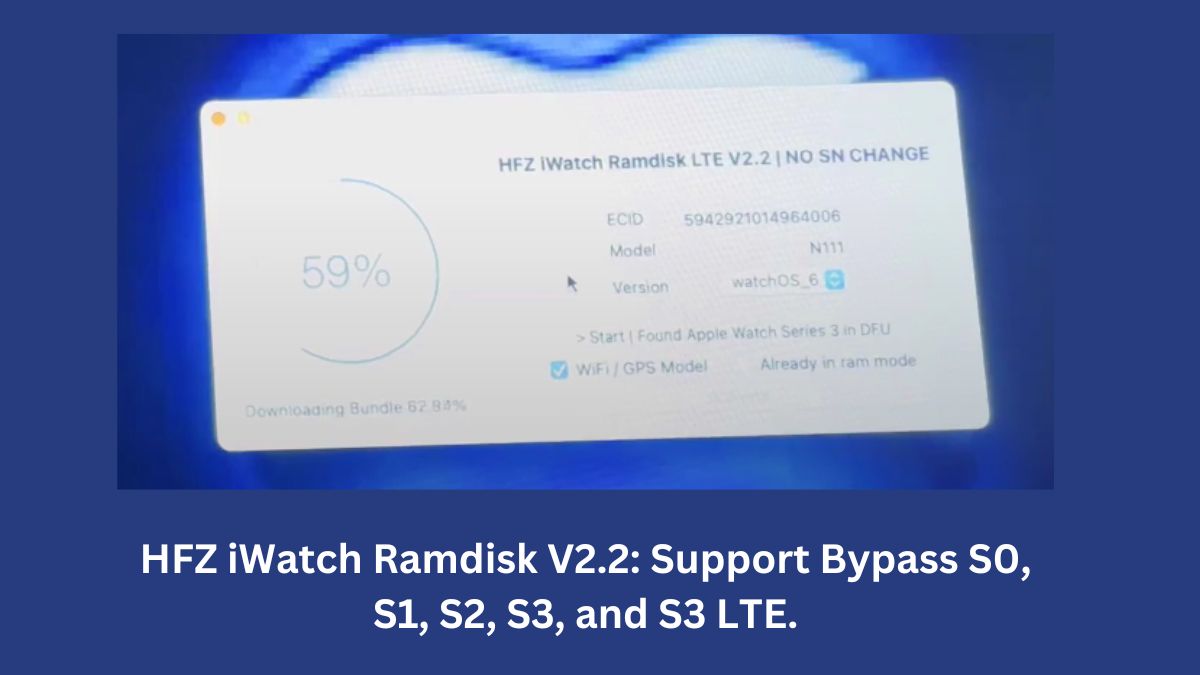
The tech community has received a significant boost with the release of HFZ iWatch Bypass Ramdisk V2.2.1, specifically designed for cellular models without changing the serial number (SN). This tool is a breakthrough, offering seamless iCloud removal for various iWatch models, including S0, S1, S2, S3, and S3 LTE.
Table of Contents
What’s New in Version 2.2.1?
The latest update addresses Apple’s recent patches and ensures flawless functionality. Here’s what’s included in this release:
- Support for Cellular Models: This version supports S0, S1, S2, S3, and S3 LTE models.
- Enhanced Stability: The tool offers a robust and stable unlocking process.
- Simplified Workflow: Users can bypass iCloud locks without the need for additional tools or serial number changes.

Key Features of HFZ iWatch Ramdisk Tool
- Wide Compatibility:
- Supports iWatch models S1, S2, S3, and S3 LTE.
- Compatible with MacBook devices, making it user-friendly for macOS users.
- No Jailbreaking Required:
- The tool simplifies the unlocking process without the need for jailbreaking your iWatch.
- Automatic Handling:
- All necessary steps, including serial adjustments, are handled by the tool, eliminating manual interventions.
- Restore and Restart Capability:
- Post-process, users can restore and restart their devices effortlessly.
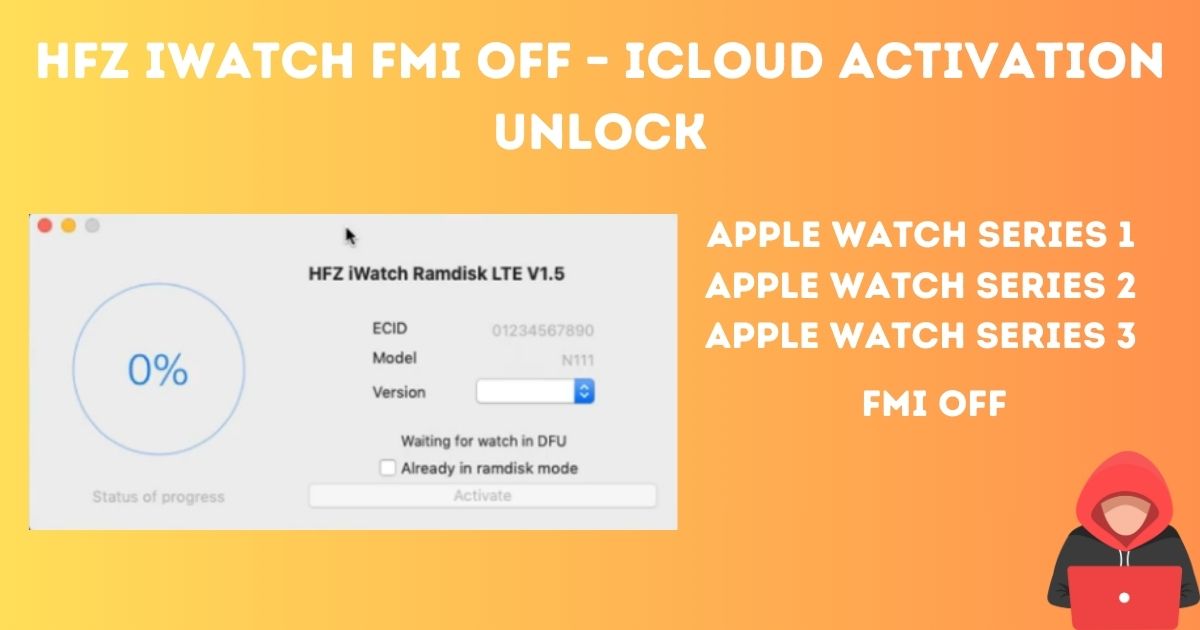
Steps to Use HFZ iWatch Ramdisk Tool
Using the tool is straightforward. Follow these steps to bypass the iCloud lock on your iWatch:
- Enter DFU Mode: Put your iWatch into DFU mode.
- Repair Serial: The tool automatically adjusts the serial number.
- Activate the Device: After serial repair, re-enter DFU mode and click on the “Activate” option.
- Enjoy Your Unlocked Device: Complete the process and use your iWatch without restrictions.
Download Details
To get started, download the HFZ iWatch Ramdisk LTE tool from hfzactivator.com. Here are the key download details:
- File Name: HFZ iWatch Tool.zip
- File Size: 124MB
- File Type: .exe
- Password (if required): hfzactivator.com
⚙️ What’s New :
🔥
fixed After Apple new Patch 🔥
Supported Models : S0/S1/ S2/ S3/ S3Lte
Download Links:
| Tool Name & Version | Download Link |
|---|---|
| HFZ iWatch Ramdisk LTE v2.2.1 | Mega Server |
| HFZ iWatch Ramdisk LTE v2.2 | MEGA Link |
| HFZ iWatch Ramdisk LTE v2.0 | — |
| HFZ iWatch Ramdisk LTE v1.5 | — |
| HFZ iWatch Ramdisk LTE v1.4 | — |
| HFZ iWatch Ramdisk LTE v1.1 | — |
Additional Support Channels
For further assistance or troubleshooting:
- Join the HFZ Telegram Channel for the latest updates.
- Participate in the HFZ Telegram Group for community support.
- Visit the official website to report dead links or download errors.
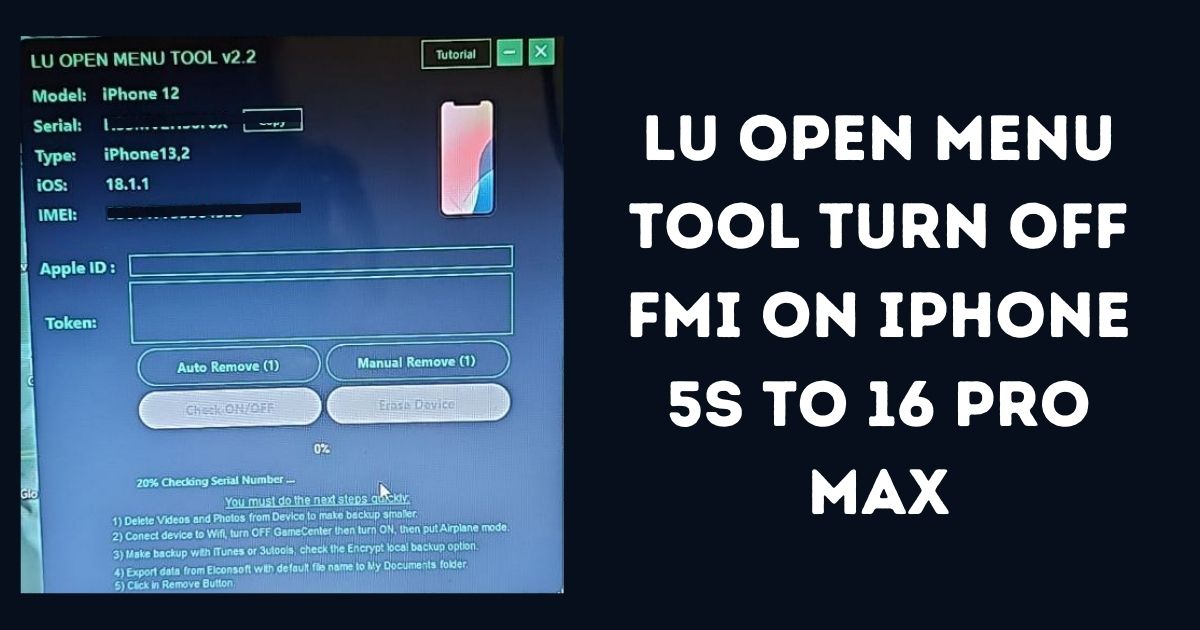
Why Choose HFZ iWatch Ramdisk LTE Tool?
HFZ iWatch Ramdisk LTE tool is the first of its kind to provide direct iCloud unlocking for cellular models without changing the serial number. It is incredibly stable, fast, and easy to use, making it the go-to solution for iWatch users worldwide. Unlike other tools, such as iTao iWatch OTP Tool, HFZ Ramdisk offers unparalleled efficiency and reliability.
Conclusion
The HFZ iWatch Ramdisk V2.2.1 is a game-changer for iWatch users dealing with iCloud lock issues. Its user-friendly interface, robust functionality, and support for multiple models make it a must-have tool for anyone looking to unlock their device effortlessly. Download the latest version today and experience the future of iWatch unlocking!
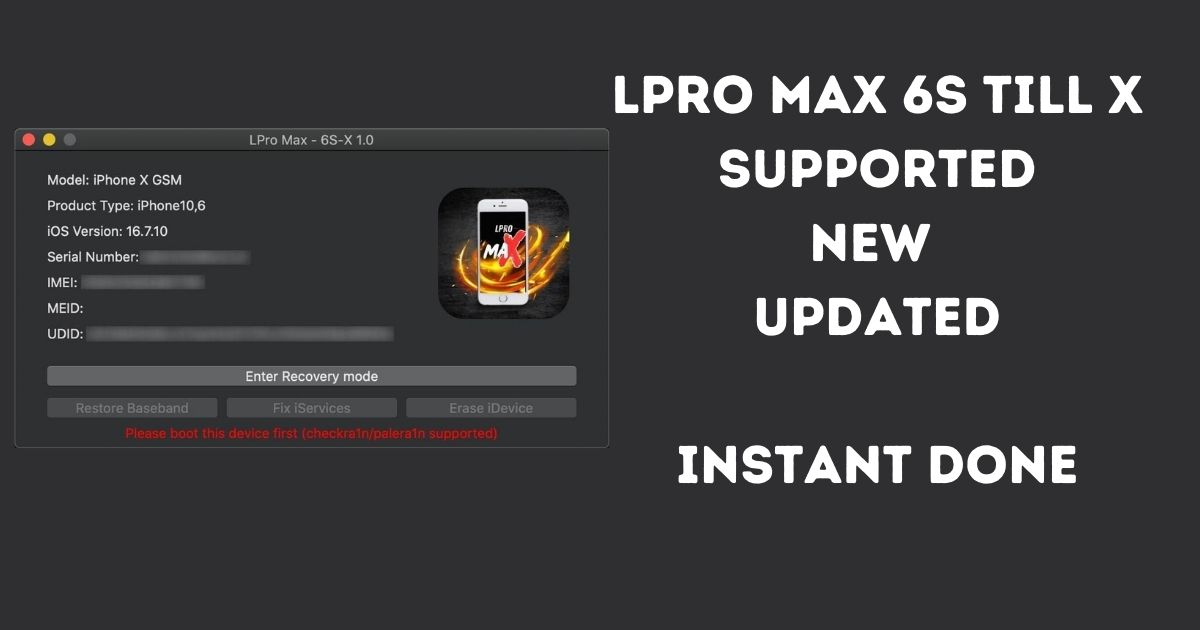
Supported Devices & System Requirements
Before proceeding with the installation of this tool on your device, please verify that your hardware and software versions are fully supported. Running bypass utilities on incompatible setups can lead to temporary boot loops or recovery states.
- Supported Chips: A5, A6, A7, A8, A9, A10, A11, and T2 Apple Security Chips.
- iOS Compatibility: iOS 12.0 up to iOS 17.3 (Untethered activation support).
- System OS: Windows 10/11 (64-bit) or macOS High Sierra and newer.
Step-by-Step Installation & Execution Guide
Follow this detailed procedure carefully to perform the bypass recovery on your device securely:
- Download the latest official package of the tool to your computer.
- Extract the contents to a secure folder and run the executable file as an Administrator.
- Connect your iOS device using a certified USB lightning cable. Ensure all background security programs are paused.
- Select the appropriate bypass option (e.g., Hello Screen, iCloud Remove, or FMI OFF) based on your device state.
- Wait for the utility to complete the process. Your device will automatically restart once finished.
Risks & Safety Disclaimer
Important Warning: Jailbreaking, modifications, and bypassing activation locks are advanced recovery procedures. We advise all users to backup their device data. This guide is provided for educational and data recovery purposes only. The user assumes all responsibilities for any modifications made.
Frequently Asked Questions (FAQ)
Q1: Is this tool free to download and use?
A1: Yes, the basic version of the tool is available for download for educational purposes. Advanced premium features may require a service registration.
Q2: Will my device remain unlocked after a system restart?
A2: Yes, untethered bypass solutions ensure the device remains unlocked and fully accessible even after restarts.
Q3: What should I do if the tool doesn’t detect my connected device?
A3: Reinstall your Apple USB drivers, verify the lightning cable connection, or run the tool in Administrator mode.
Reference Citation: For official support guides and device activation guidelines, check the official Apple Support Portal.