HFZ Activator FMI Off MacBook has gained attention among MacBook users searching for solutions related to Find My Mac (FMI), Activation Lock, and iCloud account management. Before considering any solution, it is important to understand how Apple’s security system works and what options are available to legitimate device owners.
This guide explains Apple’s official Activation Lock removal process and provides an overview of HFZ Activator as a third-party tool frequently discussed within the Apple repair and servicing community.
Table of Contents
What Is FMI on MacBook?
FMI (Find My Mac) is part of Apple’s Find My ecosystem. When enabled, the MacBook becomes linked to the owner’s Apple Account, helping protect the device from unauthorized access.
Key benefits include:
- Device tracking
- Remote lock capabilities
- Data protection
- Theft prevention
- Activation Lock security
Method 1: Official Apple Activation Lock Removal
Apple recommends using official support channels whenever a MacBook is locked to an Apple Account.
How the Apple Process Works
Legitimate owners may be asked to provide:
- Original purchase invoice
- Device serial number
- Ownership verification documents
- Authorized reseller receipt
After verification, Apple Support may assist according to Apple’s policies and eligibility requirements.
Advantages of Apple’s Official Process
- Safe and secure
- Fully compliant with Apple policies
- No software modifications
- Protects device integrity
- No risk of malware
For most users, this remains the preferred solution.

Method 2: HFZ Activator FMI Off MacBook
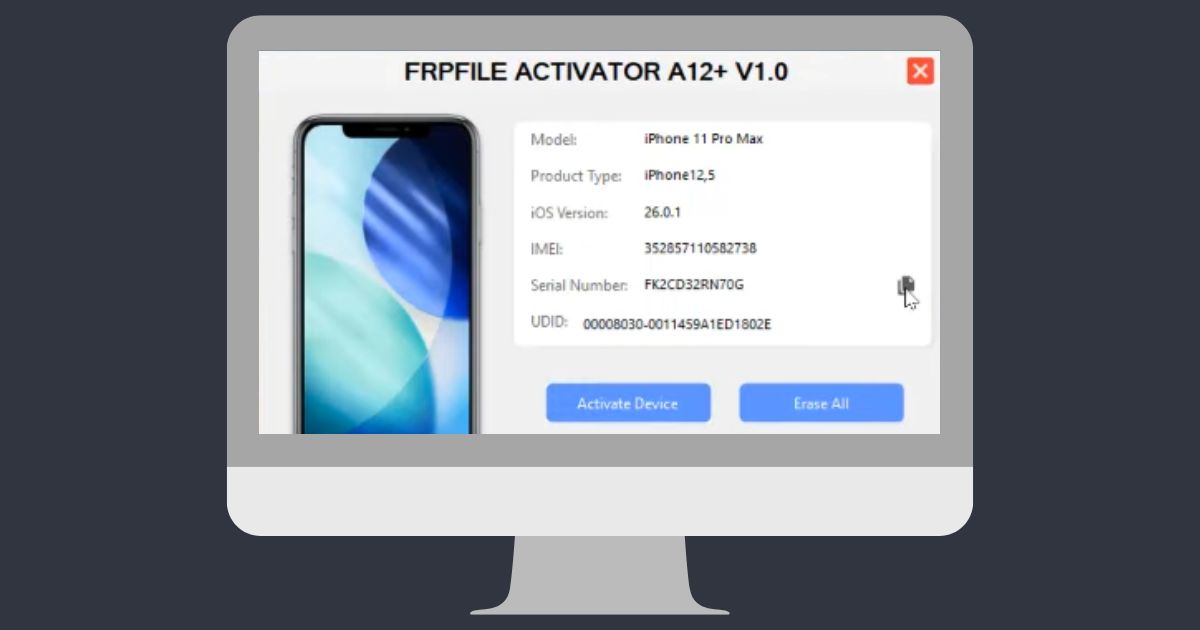
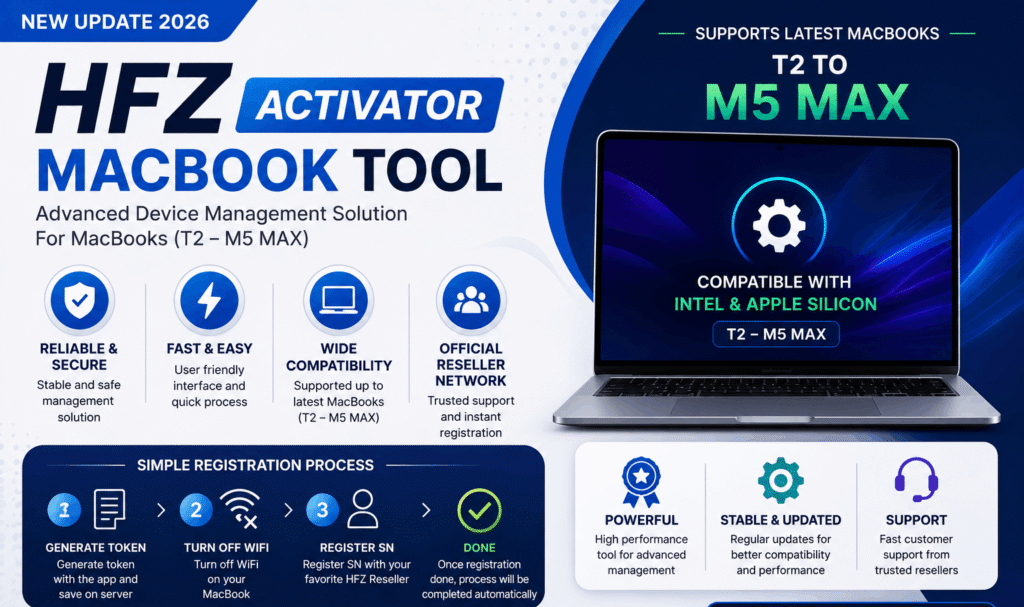
HFZ Activator is a third-party software solution that is commonly discussed online for MacBook FMI management and related servicing workflows.
Reported Features
According to public information and marketing materials, HFZ Activator may include:
- Support for multiple MacBook generations
- Compatibility with Intel and Apple Silicon devices
- Registration-based workflow
- Automated processing system
- User-friendly interface
Supported Hardware
Publicly available information claims support for various MacBook models, including newer Apple Silicon devices. Actual compatibility may vary depending on software version and device configuration.
Why Users Search for HFZ Activator
Common reasons include:
- Forgotten account credentials
- Second-hand MacBook purchases
- Business device transfers
- Ownership transition scenarios
- Device servicing requirements
Users should always ensure they have legal ownership of any device before seeking assistance.
Important Considerations
Before using any third-party software, users should evaluate:
- Software reputation
- Customer reviews
- Security implications
- Privacy concerns
- Vendor support availability
- Compliance with local laws and platform policies
Research is strongly recommended before installing software from any source.
Apple Security and Activation Lock
Activation Lock was introduced to protect users against theft and unauthorized access.
Benefits include:
- Enhanced security
- Device ownership verification
- Reduced theft incentives
- Better protection of personal information
This is why Apple considers Activation Lock a core security feature.
HFZ Activator FMI Off MacBook: Pros and Cons
Potential Advantages
- Popular within certain repair communities
- Supports multiple device generations
- Automated workflow approach
Potential Risks
- Third-party software dependency
- Possible compatibility limitations
- Future macOS update concerns
- Security and privacy considerations
- No guarantee of Apple support
Best Practices for MacBook Owners
To avoid Activation Lock issues:
- Keep Apple Account information secure.
- Store original purchase invoices safely.
- Remove devices properly before resale.
- Verify ownership before purchasing used MacBooks.
- Use official Apple channels whenever possible.
Conclusion
HFZ Activator FMI Off MacBook remains a frequently searched topic among users dealing with MacBook ownership and account-related issues. While third-party tools are often discussed online, Apple’s official ownership verification process continues to be the safest and most reliable option for legitimate device owners.
Understanding how FMI and Activation Lock work can help users make informed decisions while protecting both device security and personal data.
Disclaimer
This article is intended for educational and informational purposes only. It does not provide instructions for bypassing, disabling, or circumventing Apple’s security systems, Activation Lock, iCloud protection, or Find My Mac features. Users should comply with Apple’s Terms of Service, local laws, and ownership verification requirements.

FAQ
What is HFZ Activator FMI Off MacBook?
HFZ Activator is a third-party software solution frequently discussed online in relation to MacBook FMI and device management workflows.
What does FMI mean?
FMI stands for Find My Mac, Apple’s device protection and tracking feature.
Can Apple remove Activation Lock?
Apple may assist legitimate owners after ownership verification and review.
Is Activation Lock important?
Yes. It helps protect devices against unauthorized access and theft.
Is Apple’s official method recommended?
Yes. Apple’s official support process is generally the safest option for legitimate device owners.
Why do users search for HFZ Activator?
Common reasons include ownership verification issues, second-hand device purchases, and account-related concerns.