iOS gaming has always been popular, but customization and advanced control are usually limited by Apple’s strict ecosystem. This is where iGameGod Deb File comes into play. For users with jailbroken iPhones or iPads, iGameGod offers a powerful way to analyze and modify in-game values for offline games.
In this detailed guide, we will explain what iGameGod is, what an iGameGod deb file means, how it works, how to install it safely, and important things every user should know before using it.
Table of Contents
What is iGameGod ?
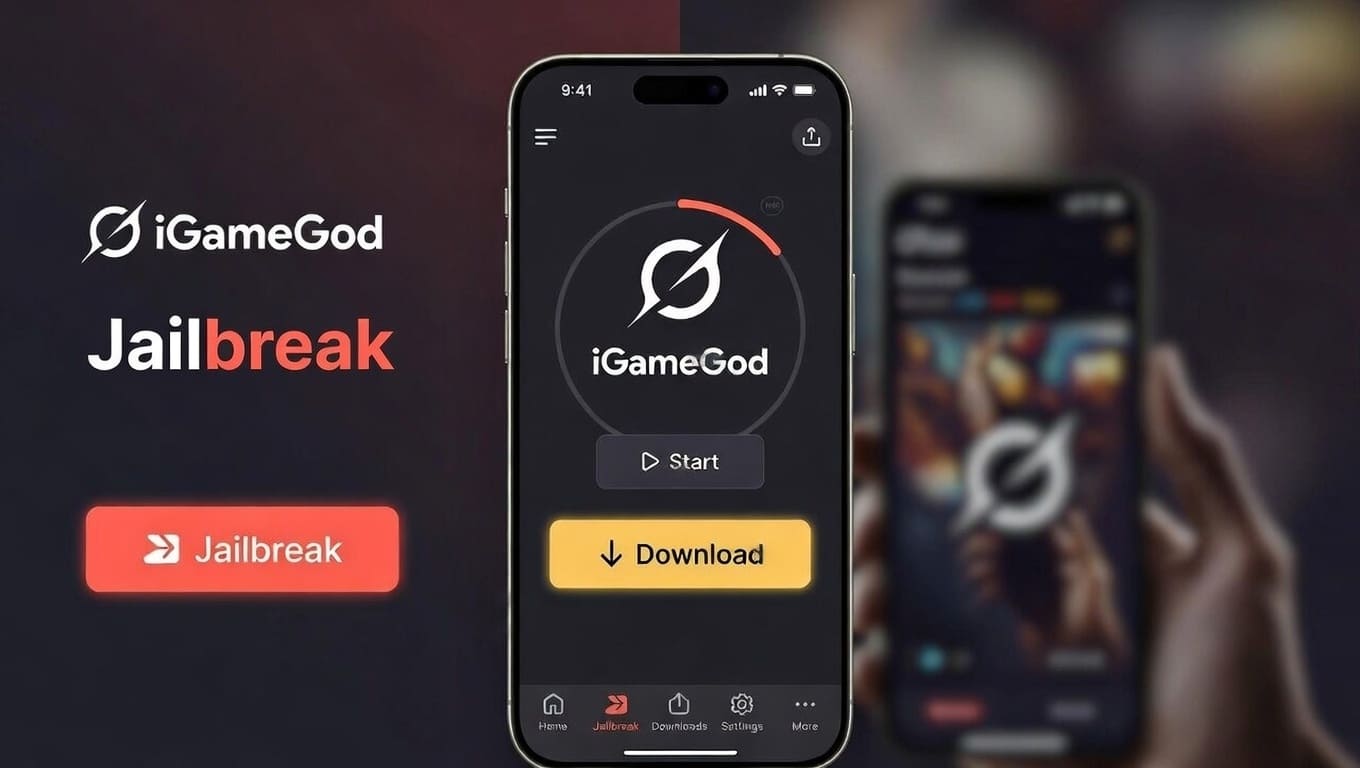
iGameGod is a jailbreak tweak designed for iOS devices that allows users to scan and edit memory values inside games. It is mainly used for offline or single-player games, where values like coins, gems, energy, or health are stored locally on the device.
Unlike regular modded apps, iGameGod works as a system-level tool, which means it interacts directly with the game’s memory while the game is running.
Key Features of iGameGod
- Real-time memory scanning
- Value search (exact, changed, increased, decreased)
- Support for multiple data types
- Works with many offline iOS games
- Lightweight jailbreak tweak
What is an iGameGod Deb File?
The iGameGod deb file is a Debian package format used on jailbroken iOS devices. A .deb file contains all the necessary files and scripts required to install a tweak or application at the system level.
Why deb files are important
- Used for manual installation
- Compatible with package managers like Cydia, Sileo, and Zebra
- Allows offline installation if the repo is unavailable
- Useful for advanced users and developers
In simple terms, the iGameGod deb file is the installable package of iGameGod for jailbroken devices.

Supported iOS Versions and Devices
Compatibility depends on both iOS version and jailbreak type.
General compatibility:
- iOS 11 to iOS 16 (varies by version)
- Jailbreaks like checkra1n, unc0ver, Taurine, and others
- iPhone and iPad (64-bit devices)
⚠️ iGameGod does not work on:
- Non-jailbroken devices
- Online multiplayer games
- Server-side games
How iGameGod Works (Simple Explanation)
iGameGod scans a game’s memory while it is running. When you search for a value (for example, 500 coins), it filters memory addresses. After you change the in-game value and search again, the tool narrows down results until the correct address is found.
Once identified, you can:
- Edit the value
- Freeze it
- Observe how the game updates memory
This process is mainly educational and experimental when used on offline games.

Download iGameGod Deb File (Recommended Method)
Instead of random files from the internet, the safest way to install iGameGod is via its official repository.
iGameGod Repo
Your one-stop source for the latest jailbreak tweaks, mods, and more!
How to Add iGameGod Repo
- Open Cydia, Sileo, or Zebra on your jailbroken device
- Go to Sources and tap on Add
| Package Manager | Action |
|---|---|
| Sileo | Add to Sileo |
| Zebra | Add to Zebra |
| Cydia | Add to Cydia |
- Refresh sources and start exploring
Once added, search for iGameGod and install it directly from the repo.
Manual Installation Using iGameGod Deb File
If you already have the iGameGod deb file, you can install it manually.
Using a Package Manager
- Open Filza File Manager
- Tap on the
.debfile - Choose Install
Using Terminal
dpkg -i igamegod.deb
apt --fix-broken install
After installation, respring your device.
Is iGameGod Safe to Use?
Safety depends on how and where you use it.
Generally safe when:
- Used on offline single-player games
- Installed from the official repo
- Used on a test or secondary device
Risky when:
- Used in online games
- Downloaded from unknown sources
- Used excessively without understanding memory editing
⚠️ Online games may detect unusual behavior and restrict accounts.
Advantages and Limitations of iGameGod
Advantages
- Powerful memory editor for iOS
- Free to use
- Helpful for learning game logic and memory behavior
- Lightweight and fast
Limitations
- Requires jailbreak
- Not beginner-friendly at first
- Does not bypass server-side protection
- Limited to offline games
Educational and Development Use
Many users use iGameGod not just for gaming but also to:
- Learn how game values are stored
- Understand memory scanning concepts
- Test their own game builds
- Debug offline game mechanics
When used responsibly, iGameGod can be a valuable learning tool.
Frequently Asked Questions (FAQ)
What is iGameGod deb file?
The iGameGod deb file is a Debian installation package used to install iGameGod on jailbroken iOS devices manually or via package managers.
Does iGameGod work without jailbreak?
No. iGameGod strictly requires a jailbroken iPhone or iPad.
Is iGameGod free?
Yes, iGameGod is free when installed from its official repository.
Can iGameGod hack online games?
No. iGameGod only works on offline or client-side games. Online games store values on servers.
Which iOS versions support iGameGod?
Most versions from iOS 11 to iOS 16 are supported, depending on jailbreak availability.
Is using iGameGod legal?
Using iGameGod for educational or testing purposes on offline games is generally acceptable. Using it to exploit online services may violate terms of service.
Final Thoughts
iGameGod remains one of the most popular memory editing tools for jailbroken iOS devices. Whether you are exploring game mechanics, testing offline games, or learning how memory editing works, the iGameGod deb file provides flexibility and control that standard iOS simply does not allow.
For best results, always install iGameGod from the official repo, use it responsibly, and avoid online games. When handled correctly, iGameGod can be both a powerful tool and an educational resource.