If you’re working with a T2 Intel Mac that’s stuck on Activation Lock, Hfz T2 Premium Aio (also searched as HFZ T2 Activator AIO Premium V2.1) is commonly discussed as a workflow to complete a bypass and then reinstall macOS using Internet Recovery. This article explains the “tethered bypass” flow you shared for iBridgeOS 10.2, plus key precautions and FAQs so you can avoid re-locking after setup.
Table of Contents
Important note: Only use bypass tools on Macs you legally own or have explicit permission to service, since Activation Lock is a theft-deterrence feature.
What “tethered bypass” means
A tethered bypass is not permanent because certain events can send the Mac back to the locked state, meaning you must repeat parts of the procedure again. Typical re-lock triggers include forced shutdown (holding the power button) and battery draining to 0%, which is why tethered setups require careful power and shutdown handling.
Tethered vs untethered is commonly explained as: tethered requires re-bypass after reboot, while untethered is intended to persist until something like a restore or update resets it. On newer firmware like iBridgeOS 10.2, the tethered approach is often referenced as the practical option “currently possible,” while earlier versions may have had different compatibility.
Download Hfz T2 Premium Aio v2.1
| Name | HFZ T2 Activiator |
| OS Support | Tahoe 26.2/Sequoia 15.7.3/Sonoma 14.8.3 |
| iBridge | 10.2 |
| Password | hfzactivator |

How to use Hfz T2 Premium Aio v2.1 (iBridgeOS 10.2)
Below is the same process rewritten into a clean, publishable “how-to” that keeps your original steps and terminology.
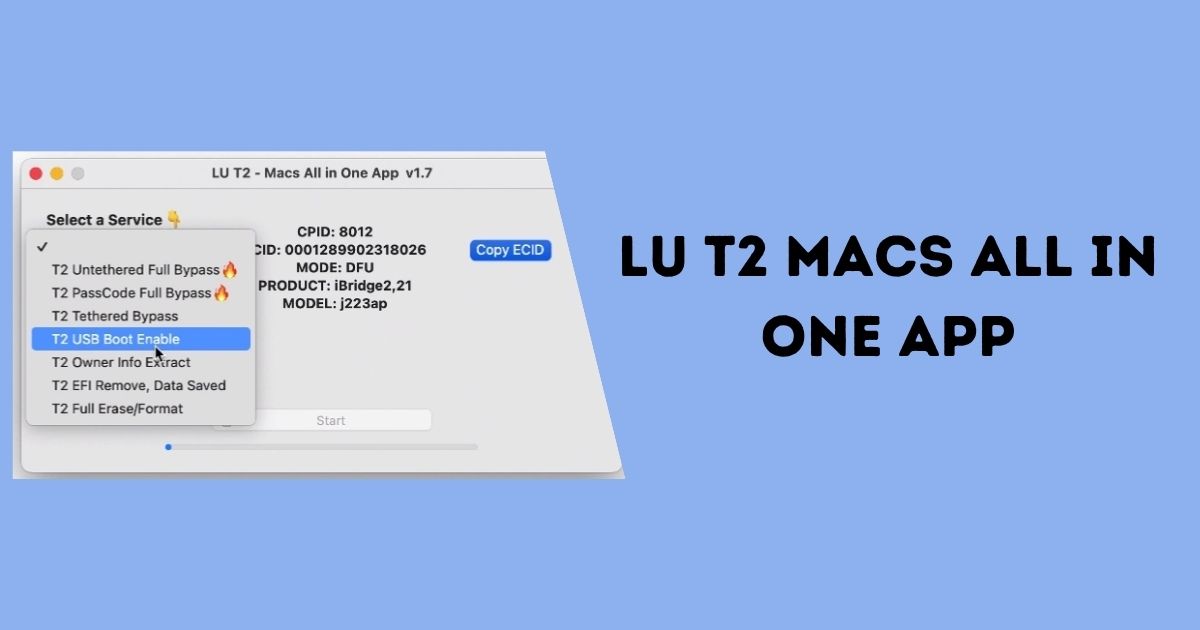
Step 1: Enter DFU and “Boot & Prepare”
- Put the locked T2 Mac into DFU mode.
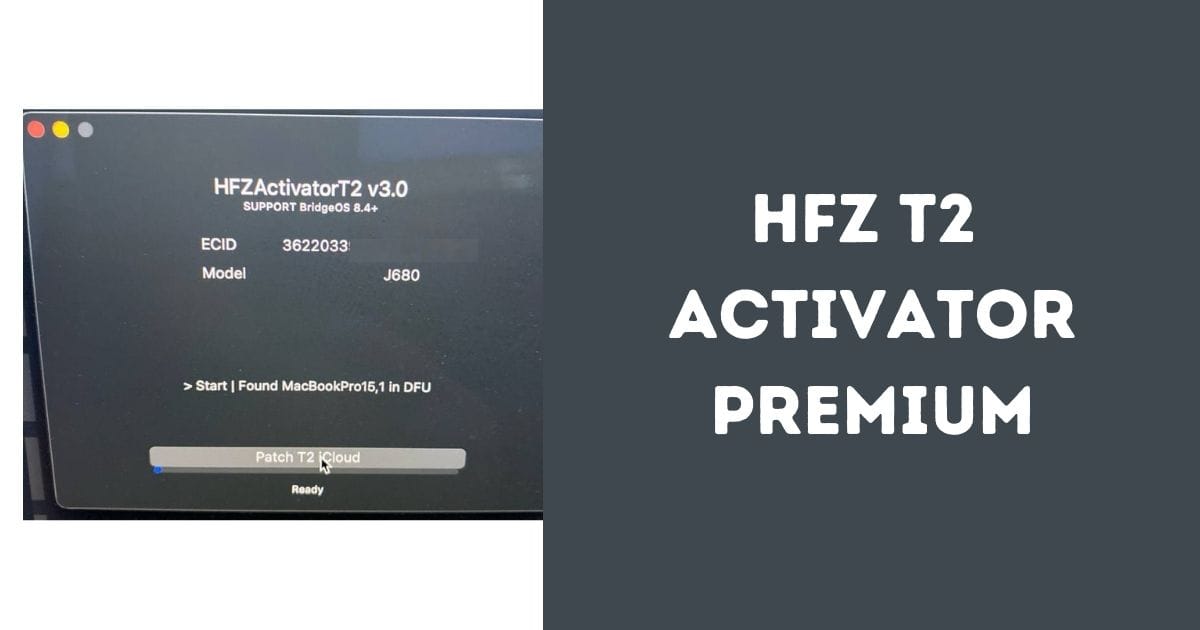
- Open the HFZ tool, select the correct model and iBridgeOS info from the list.
- Click Boot & Prepare, then wait for the jailbreak/prep stage to complete.
Step 2: Activate
Step 3: Internet Recovery boot
- Boot the Mac into Internet Recovery using Cmd + R or Option + Cmd + R.
- Connect to Wi‑Fi and wait for Recovery to load.
Step 4: Handle the “freeze” (tethered behavior)
- When you reach the Language/Country selection screen, you may freeze or get stuck because it’s tethered.
- Unplug and replug the cable, close the HFZ tool, reopen it, put the Mac back into DFU mode, then press FastBoot.
- After FastBoot succeeds, let the Mac boot automatically, or manually boot back to Recovery if needed.
Step 5: Erase and reinstall macOS
- In Recovery, open Disk Utility and Erase the internal SSD.
- Return to Recovery and install macOS.
- After installation completes, the tethered bypass process is considered completed.
Precautions to keep the bypass
Because this is tethered, preservation matters as much as the initial procedure. The key precautions commonly recommended are to avoid hard power-offs and avoid fully draining the battery, since those situations can cause the Mac to return to the lock state and require “revive/bypass” again.
Also, if you’re on iBridgeOS 10.1 or lower, guidance commonly warns against DFU restoring/updating to iBridgeOS 10.2 if you want to preserve older “untethered compatibility” behavior.
FAQ
What is HFZ T2 Activator used for?
HFZ T2 Activator is described as a tool used to bypass Activation Lock on Intel Macs that include the Apple T2 security chip. It’s often mentioned in repair/refurb contexts where macOS access is blocked by iCloud/Activation Lock and credentials are unavailable.
What’s the difference between tethered and untethered bypass?
Tethered generally means you may need to re-bypass after reboot or certain power events, while untethered aims to persist until something like an update/restore breaks it. The tethered limitations (forced shutdown or dead battery leading to re-lock) are specifically highlighted in the iBridgeOS 10.2 workflow notes.
Does HFZ T2 Activator work on M1/M2/M3 Macs?
Common compatibility notes say these tools target Intel Macs with the T2 chip, and do not support Apple silicon Macs like M1/M2.
Will Apple services work after bypass (iCloud, iMessage, FaceTime)?
Many public guides warn that Apple services may remain limited or blocked after bypass (for example iCloud login or iMessage/FaceTime). Exact behavior can vary by setup, firmware, and what the tool is doing at activation time.
Is it legal to use HFZ tools?
Guides typically state it’s only legal/ethical if used on a device you own or have permission to unlock, and using it for stolen devices or unauthorized access is illegal.
If you want, share the exact Mac model (e.g., MacBook Pro 2019 16″) and your current iBridgeOS version, and the article can be tightened further around that specific scenario (and include a “requirements” checklist).
Reference Citation: For official support guides and device activation guidelines, check the official Apple Support Portal.